Archivist
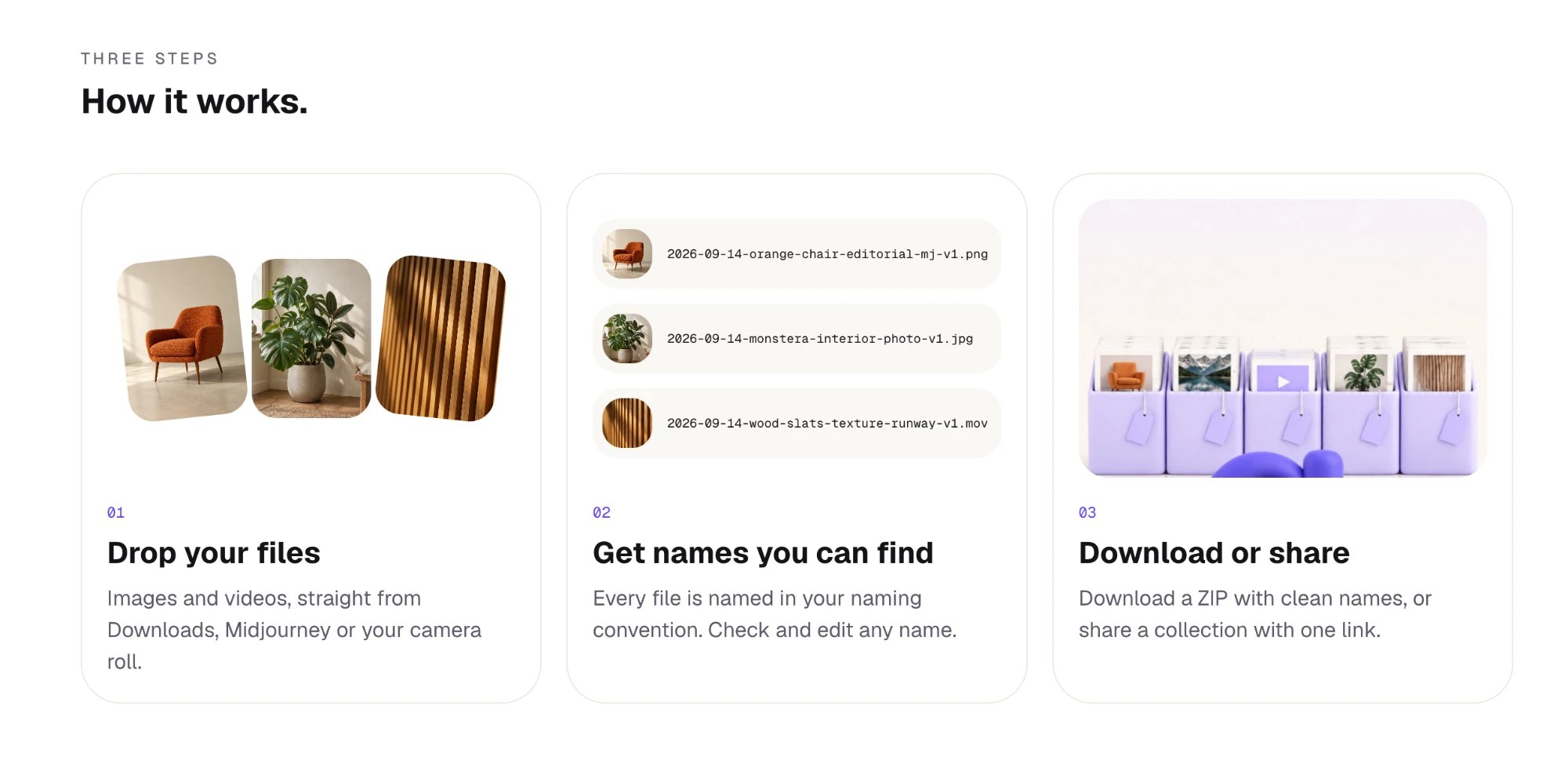
Same files. Better names. Archivist looks at every image and video, gives it a name you'd search for, and turns it into a collection you share as one link.
My own product, from idea to subscription.
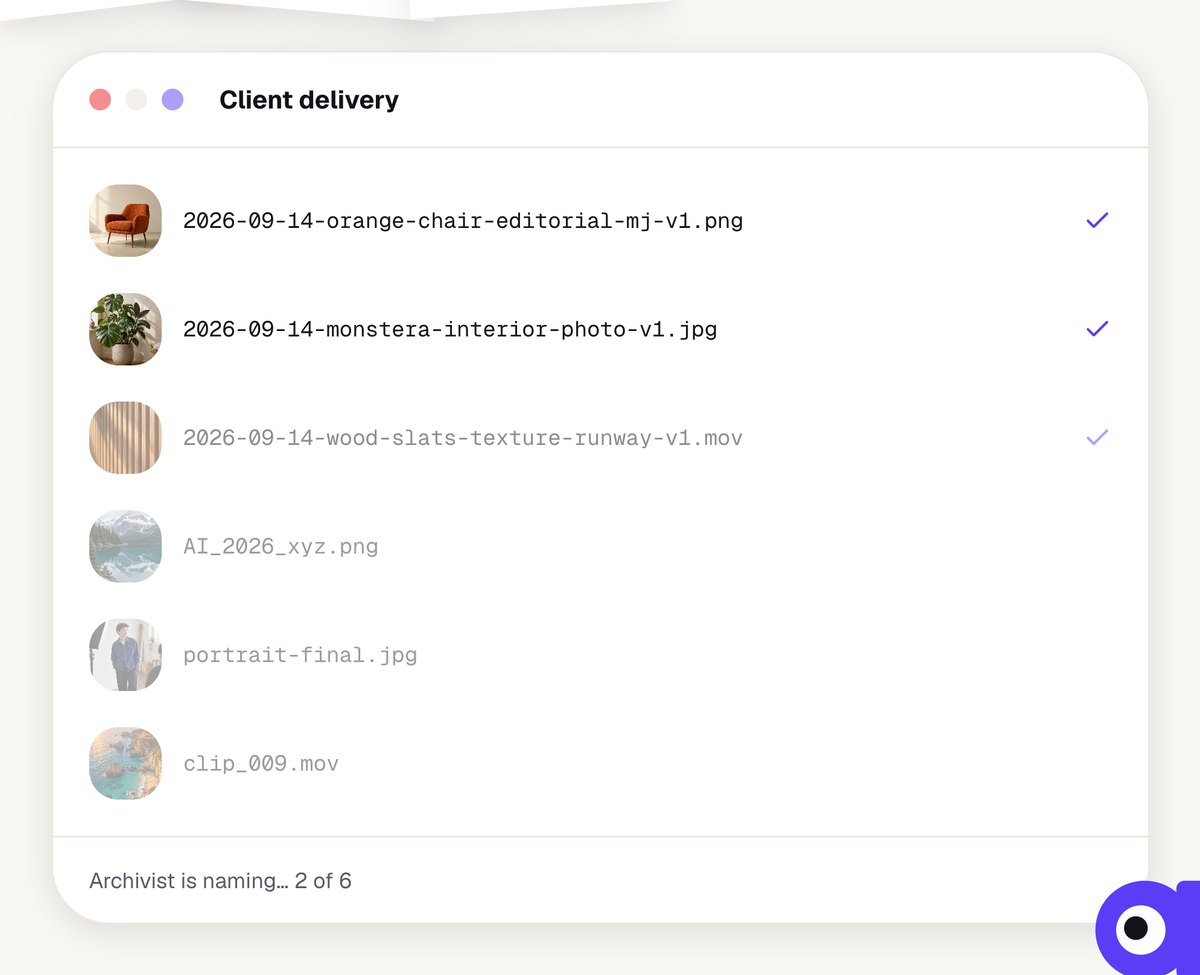
Archivist is an AI tool for designers, creators and studios. It names images and videos by a fixed convention, sorts them into collections and hands them over with one link instead of a ZIP full of IMG_2201.
Concept, design system, build, pricing, SEO and launch: all from one hand. Live at getarchivist.org, a Mac app is in the works.
The problem: files nobody can find anymore.
“IMG_8472.png”, “DSC00421.jpg”, Midjourney hashes. AI creates more images than ever, and almost all of them have meaningless names. At the latest when handing over to clients or developers, it turns into work.
The question: how does every file get a name that still says what's inside a year from now, and fits straight into the CMS?
A system instead of single names.
Every name starts with the date, followed by context, content and source, only hyphens and lowercase, so it's web-ready. Five presets cover the most common cases, and you can create your own conventions.
Plus its own design system: warm paper, a single violet, an eye as logo and mascot, handwritten notes.




The eye mascot in motion: three short clips for social and launch, in the same look as the interface.
Try first, sign up later.
The numbers after the first launch were clear: if you have to sign up before you see anything, you don't try it. That's why there's now /try: upload five of your own files, no account, and watch chaos turn into names.
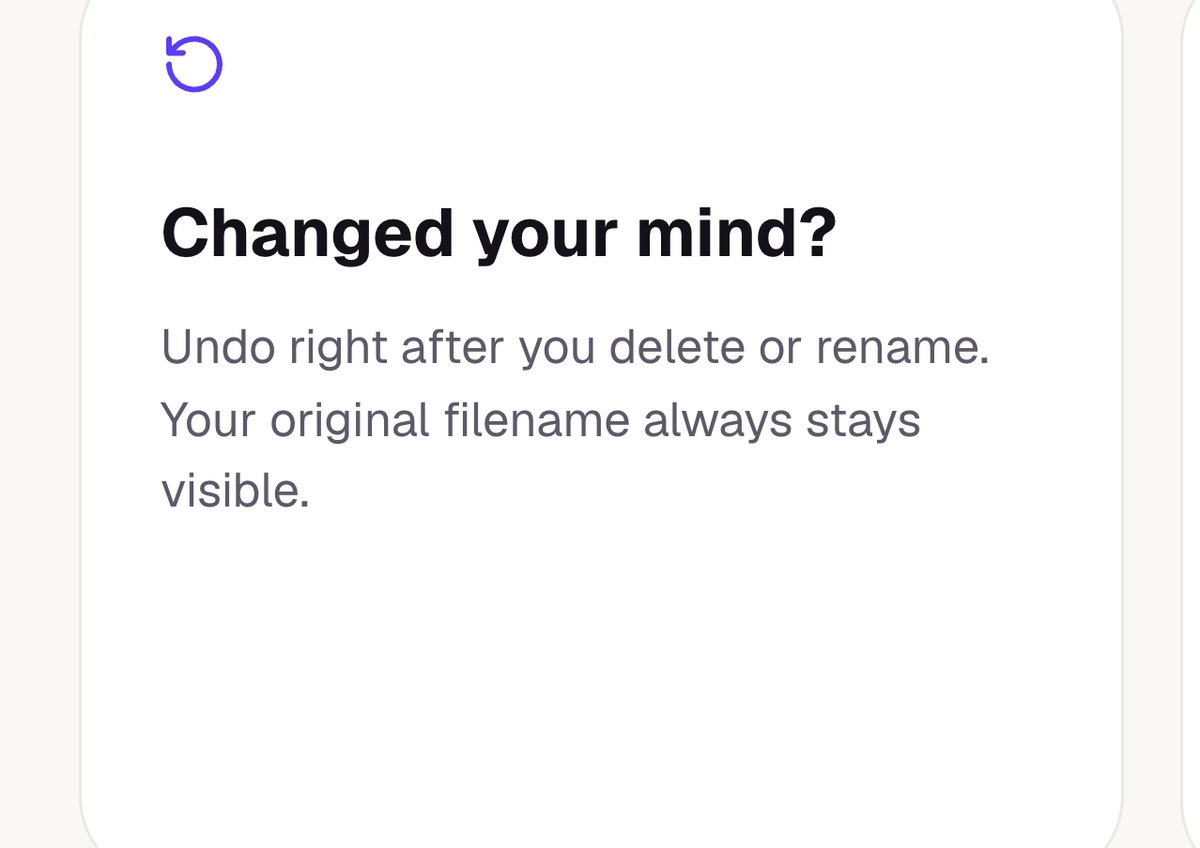
In the dashboard, drop means rename. Drop a folder, names appear, everything can be undone and controlled by keyboard.
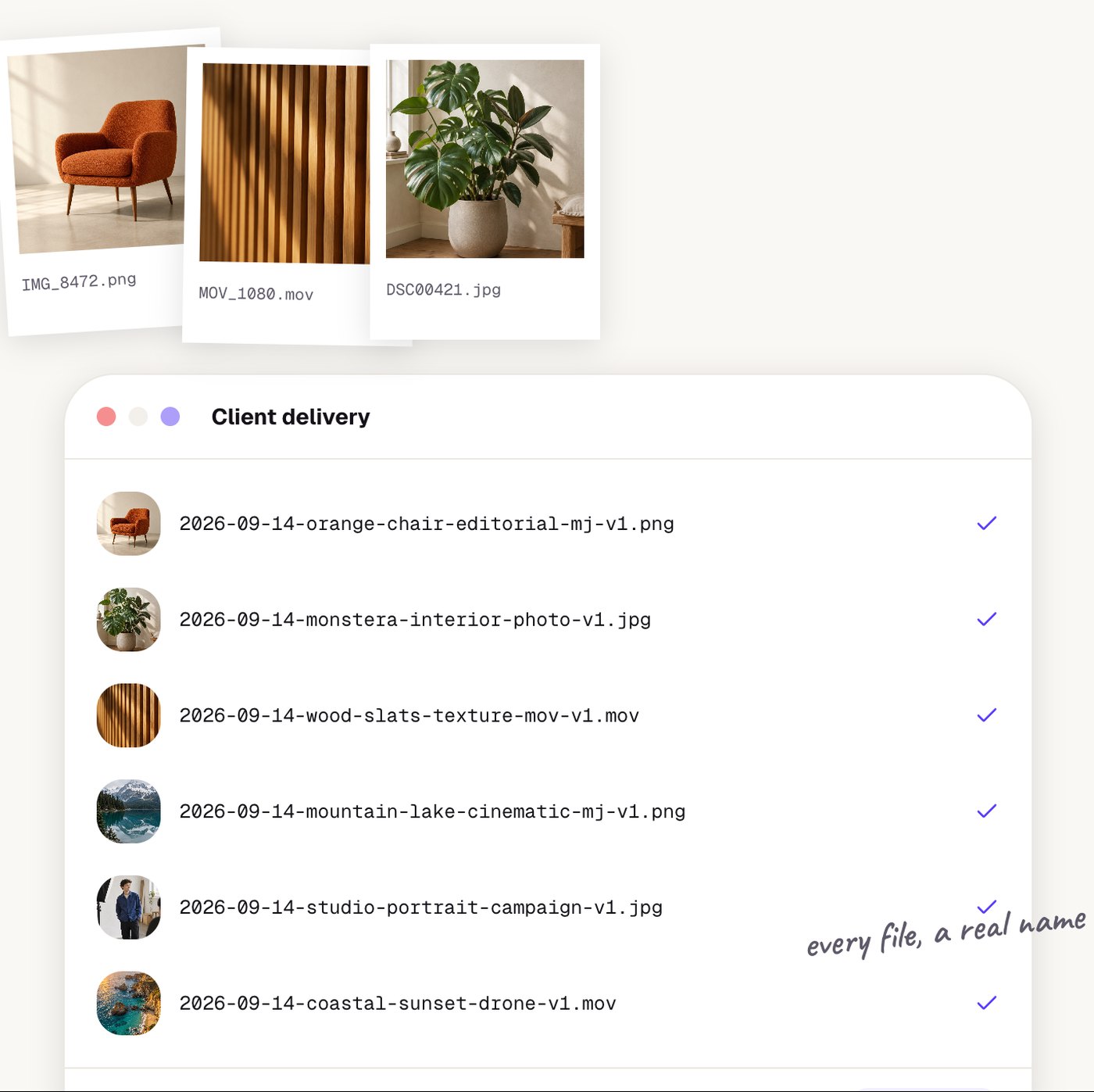
Getting found, even in a conversation with an AI.
People looking for a tool increasingly ask an AI assistant instead of a search engine. That's why Archivist isn't only built for people but also for systems that read, compare and recommend pages.
Every page ships its own title and description in the HTML, structured data describes product and offer, and an llms.txt summarises pages and guides for AI assistants. A dedicated page sets Archivist apart from a Discord bot with the same name, so AI answers don't recommend the wrong thing.
For agentic browsing there are two routes: a clear structure with clearly labelled controls, so AI agents can operate the website themselves, and an MCP interface (Model Context Protocol). Through it, AI agents only get access after signing in with your own Archivist account, so always on behalf of a person.
As of October 2026.
From chaotic file names to shareable collections.
Archivist is live and running on subscriptions. Website images go to clients or developers fully named, as one link to browse and download. Studios set one convention for the whole team. Next up is the Mac app that tidies up the Downloads folder automatically.
For me, Archivist is proof that design × build works: a product I conceived, designed, built, priced and launched myself.